C/011972–81
Folding 72
Folding SLR, after the 1972 folding camera
- Focus wheel, live reflex finder with the split circle
- Blur shaped by its scanning blades
- Films: Colour 125, Zero 150, NewTone 150, B&W 160
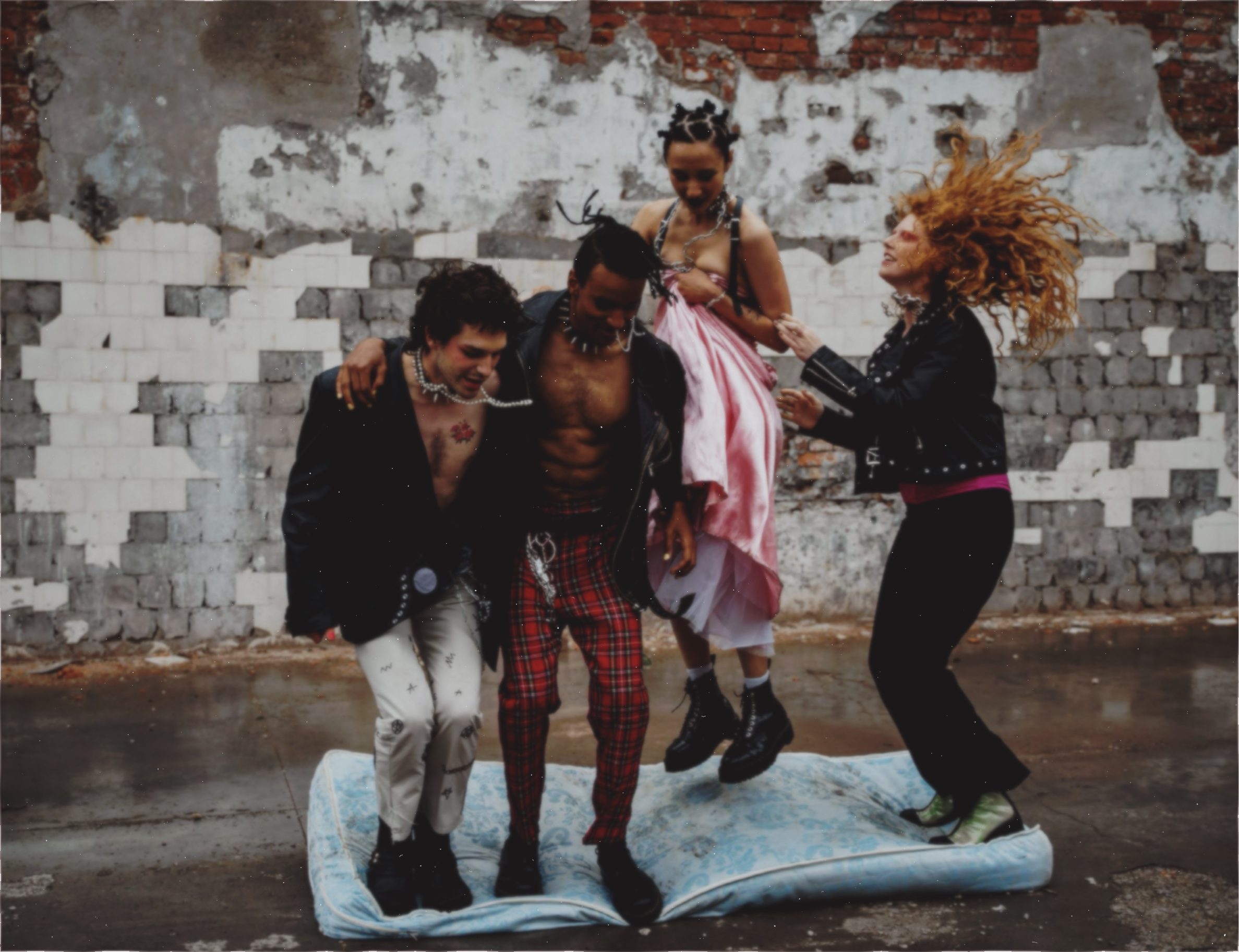
Classic instant cameras and films, rebuilt from the physics. Lenses traced from the original patents, film from the data sheets. On your iPhone.
Another filter? There are like two hundred of those. Hard pass.
I wanted the real thing. The lens. The shutter. The film. The wait.
So we went full nerd. Stacks of Polaroid patents. Ancient data sheets. Camera manuals. A court ruling nobody reads for fun. A mountain of scans, on machines whose names we still can't pronounce.
We even met the people who used to stir the chemistry at Polaroid. White coats. Safety goggles. Legends.
Then we rebuilt everything. Nothing in your picture is faked.
— D.

An instant camera can't import your camera roll. POLAKID can't either. You shoot it, or it doesn't exist.
The film is in the camera when you press the shutter. You don't get to swap it afterwards.
Prints develop. Peel-apart prints get peeled. Sped up, never skipped: a Colour 125 print takes 10 seconds, a peel-apart wants up to 25 before you peel.
Folding SLR, after the 1972 folding camera
Rigid camera, after the 1976 original
Box camera, after the 1981 box cameras
Pack-film rangefinder, after the 1978 original
[ 04.1 ] On every camera
DepthDepth of field from your iPhone's depth: LiDAR where it has it, estimated where it doesn't.
Tripod or handheldOn the tripod the picture stays still. Handheld, your real movement during the exposure goes into the picture.
RAWThe camera takes RAW wherever your iPhone can.
AutofocusOkay, we cheated once. The originals behind Folding 72, Presto 76 and Pack 78 never had autofocus. Ours do. Tap AF and the orange frame picks your spot. Purists, look away.
The Pack 78's films come apart in two: the print, and the negative stuck to it. In the app you choose the moment. Too early and the print comes out pale and magenta, too late and it drifts green — just like real peel-apart film.
Try it: pull the tab, wait, then drag the black sheet off from the bottom-right corner. Sped up for the web — best between 0:08 and 0:16.
An app inside the app. Make a printed zine from your prints. No layout skills, no InDesign.
Your prints. One sheet. One cut.
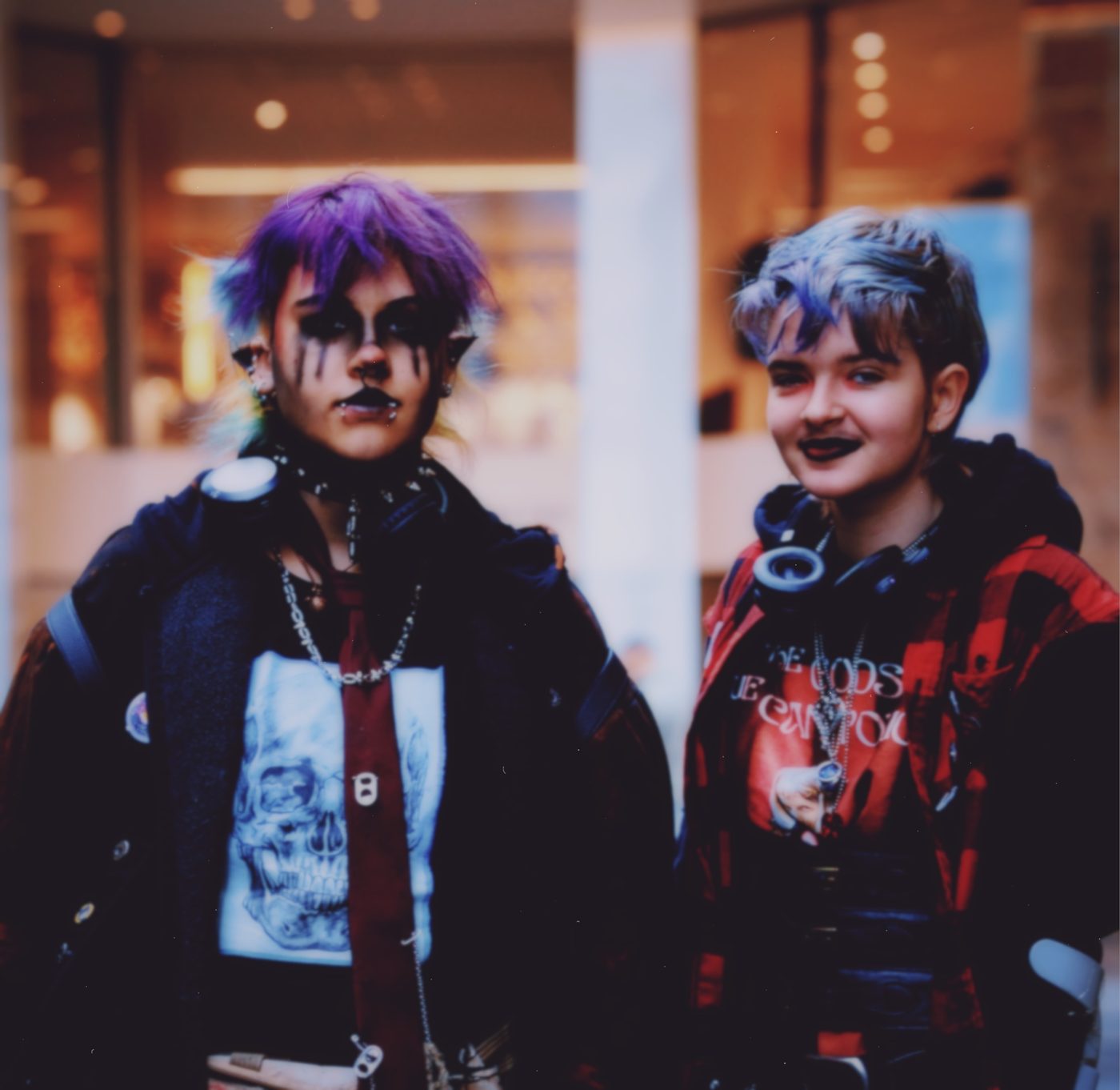 Kiez
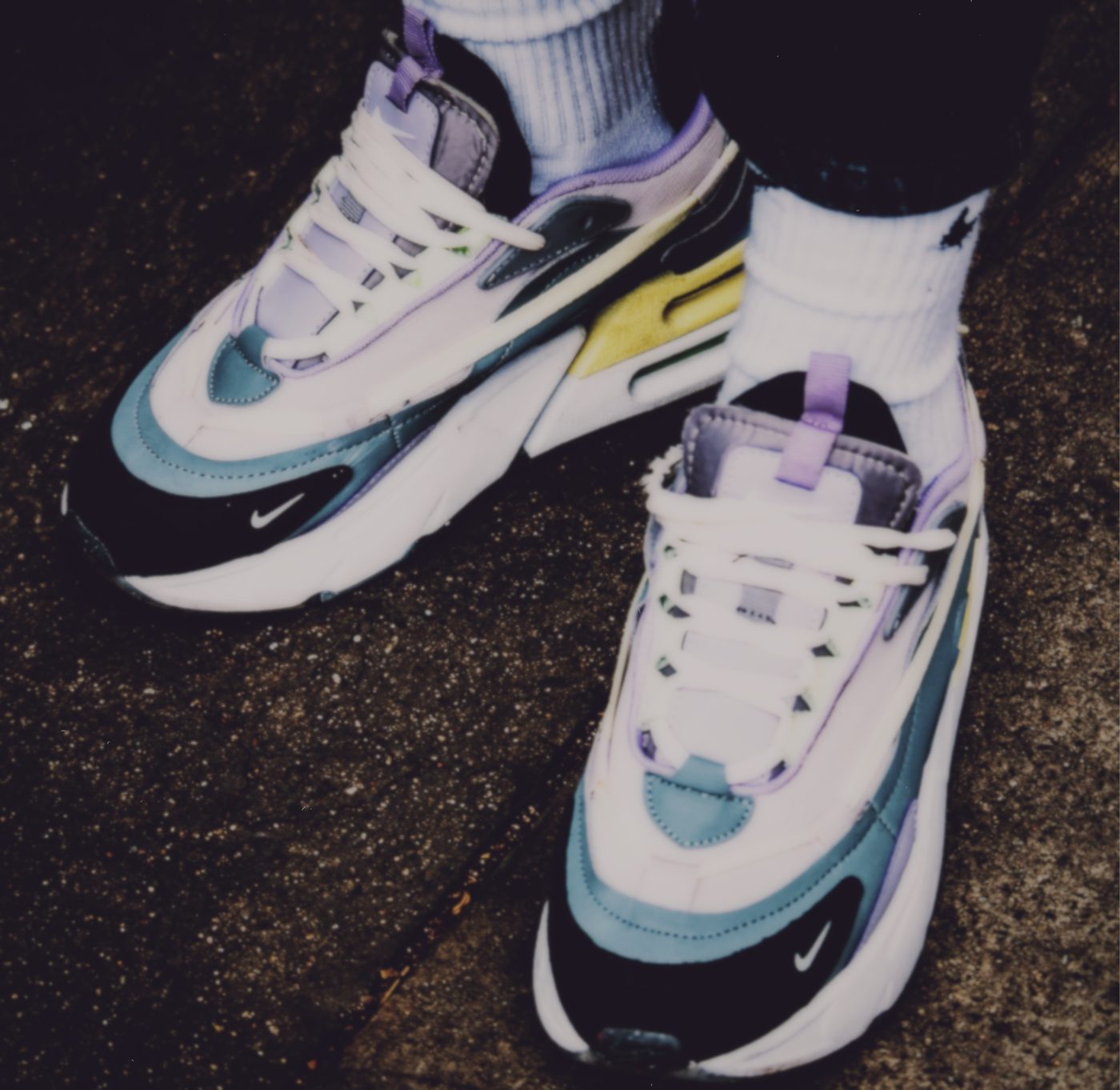 Socks & sins2
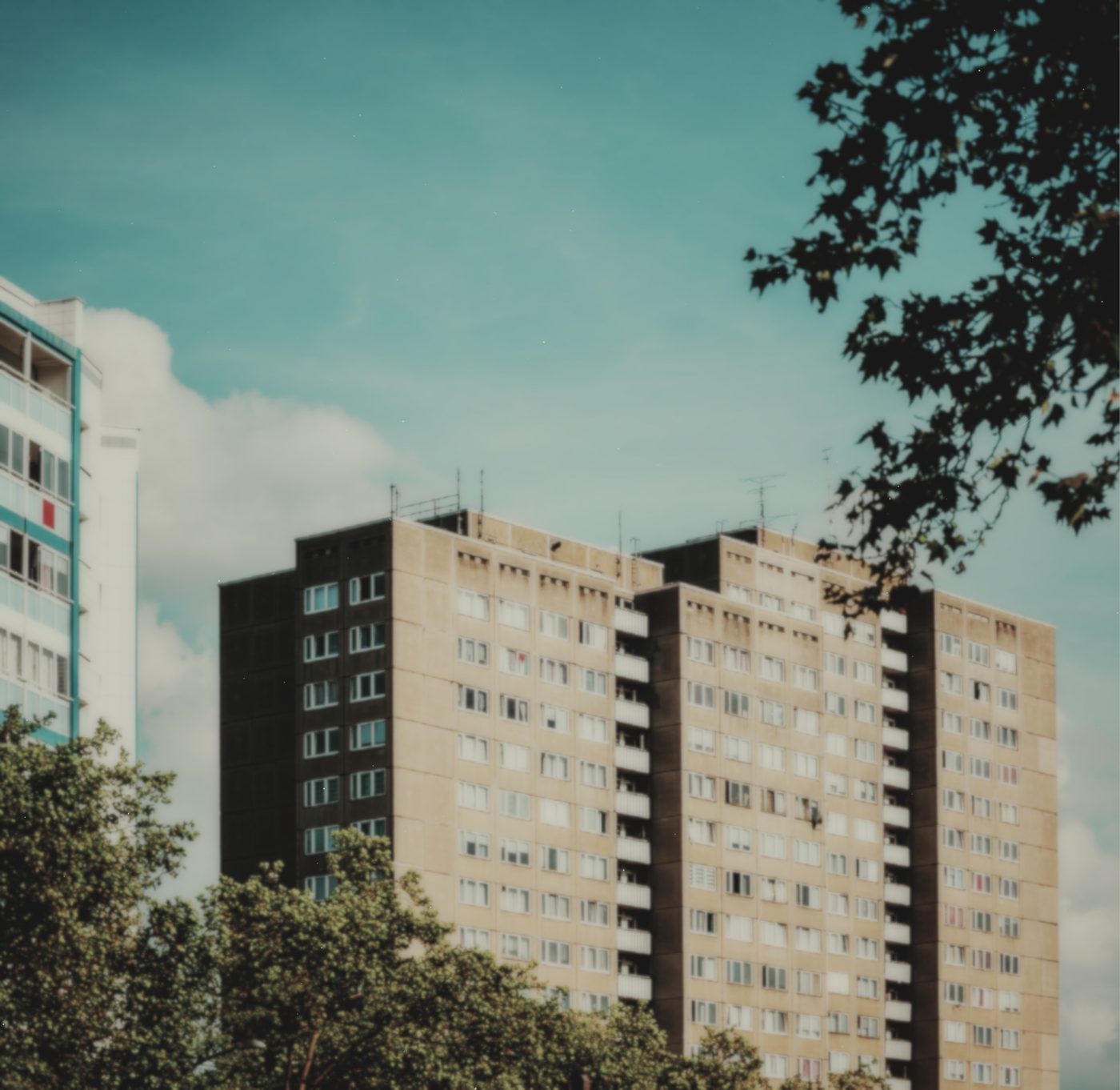 Platte, 5 am3
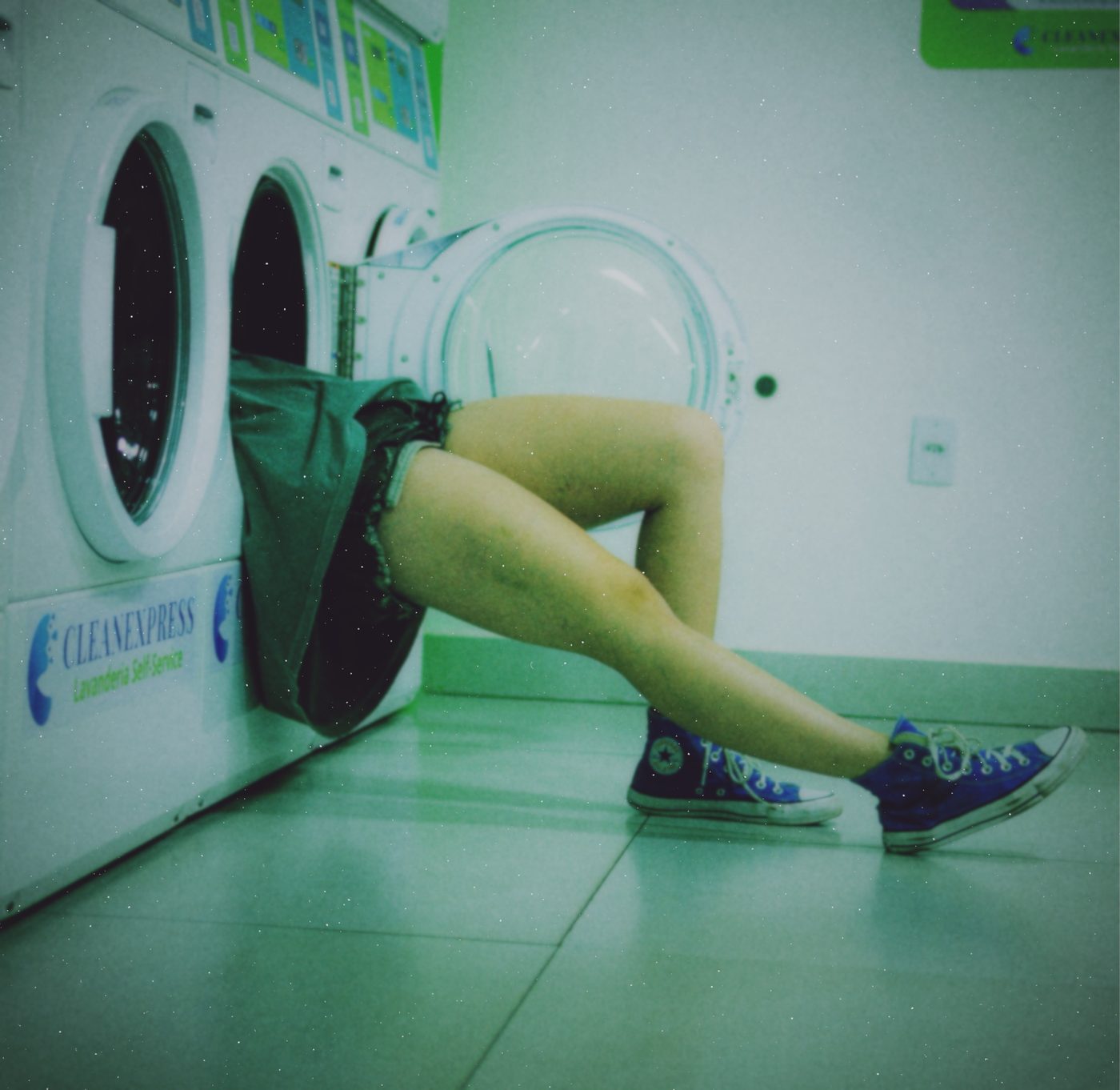 4
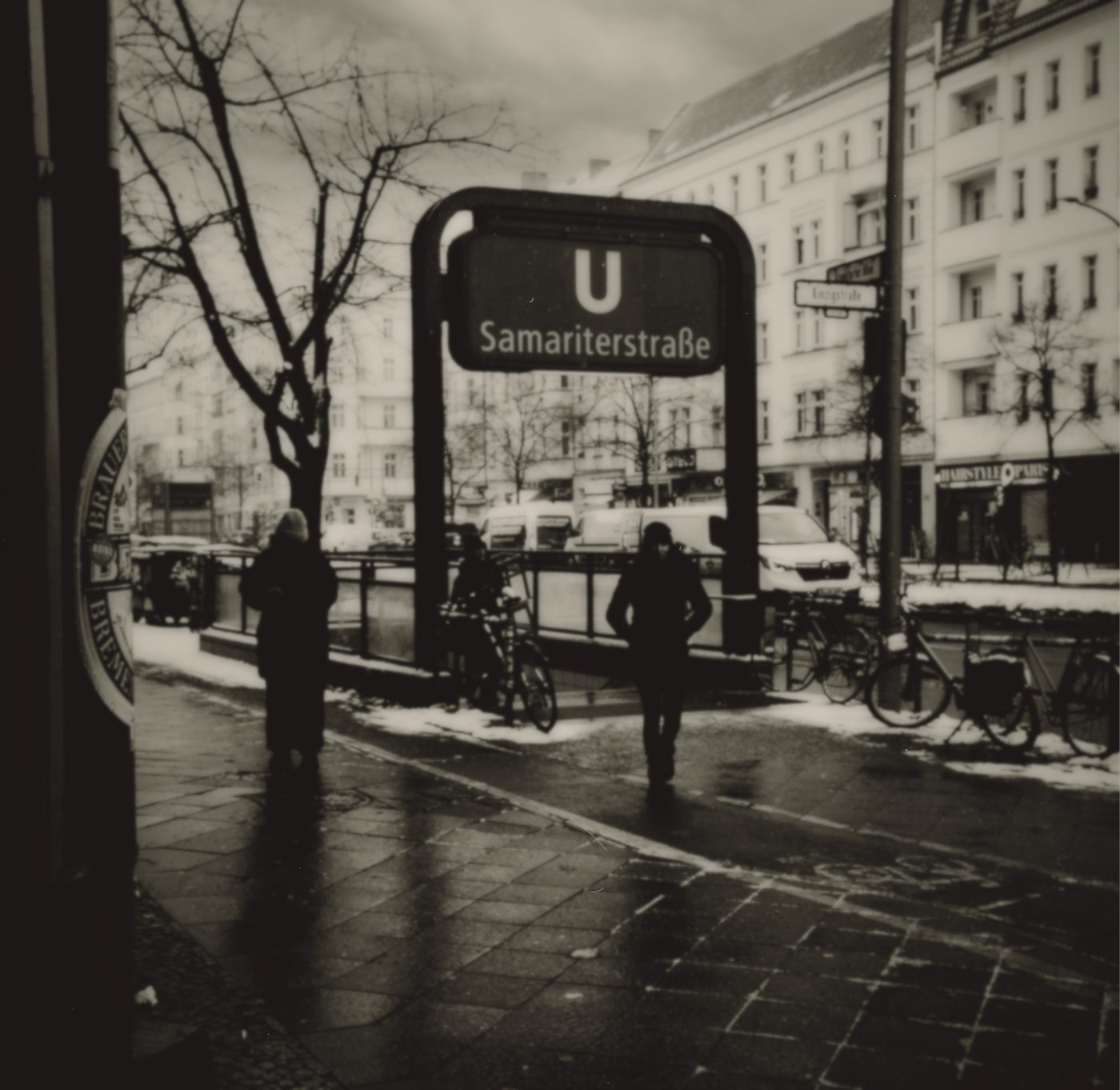 5
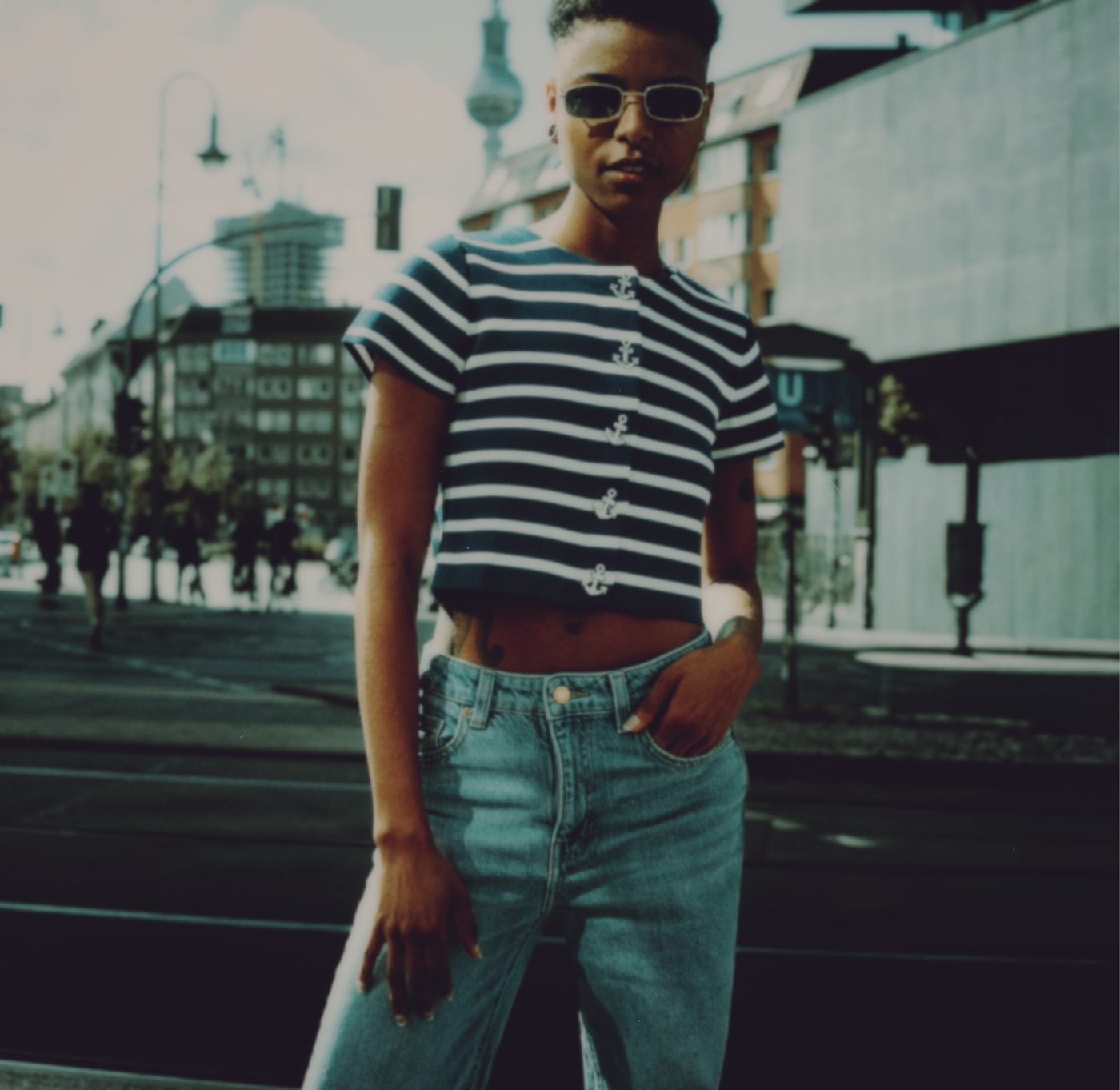 Berlin. Again.6
 Sand & smoke7
Prints straight from your table. No camera roll, no hunting.
Grids, free placement that snaps, one picture across a spread, full bleed to the edge.
100+ fonts, Fraktur included, and our own hand. On peel-apart prints the caption writes itself into the border.
One sheet, at home or at the copy shop. Cut, fold, done. Print-ready PDF at 300 dpi with cut and fold marks.
Remember zines? Photocopied, stapled, passed around at shows. That's the energy.
Pick your best prints, throw them on the pages, scribble a title, hit print. One sheet comes out of your printer. A cut or two, a few folds, and you're holding your own magazine.
8 pages or 16. Folded like a classic mini zine, or with a glued spine like a proper little book. On yellow paper, on kraft, on black — whatever your vibe is.
Make one for the trip. For your crew. For your crush. Leave it on a café table. Sell it at a market for five bucks. Nobody scrolls past paper.
In TestFlight now. The App Store when it's ready.